Scam With Your Friends: speech recognition not working
No call text although teammates hear you? Separate recognition from caller voice, check the documented language/provider limits, and use typed dialogue as a fallback.
Answer: Teammate voice is separate from call transcription. Check the Speech tab and call language. Moonshine supports six languages; other local recognition uses Whisper. Whisper startup and recognition each have a 15-second limit; Qwen3 caller TTS has a separate 20-second startup limit. Typed dialogue is a fallback—not a guaranteed fix.
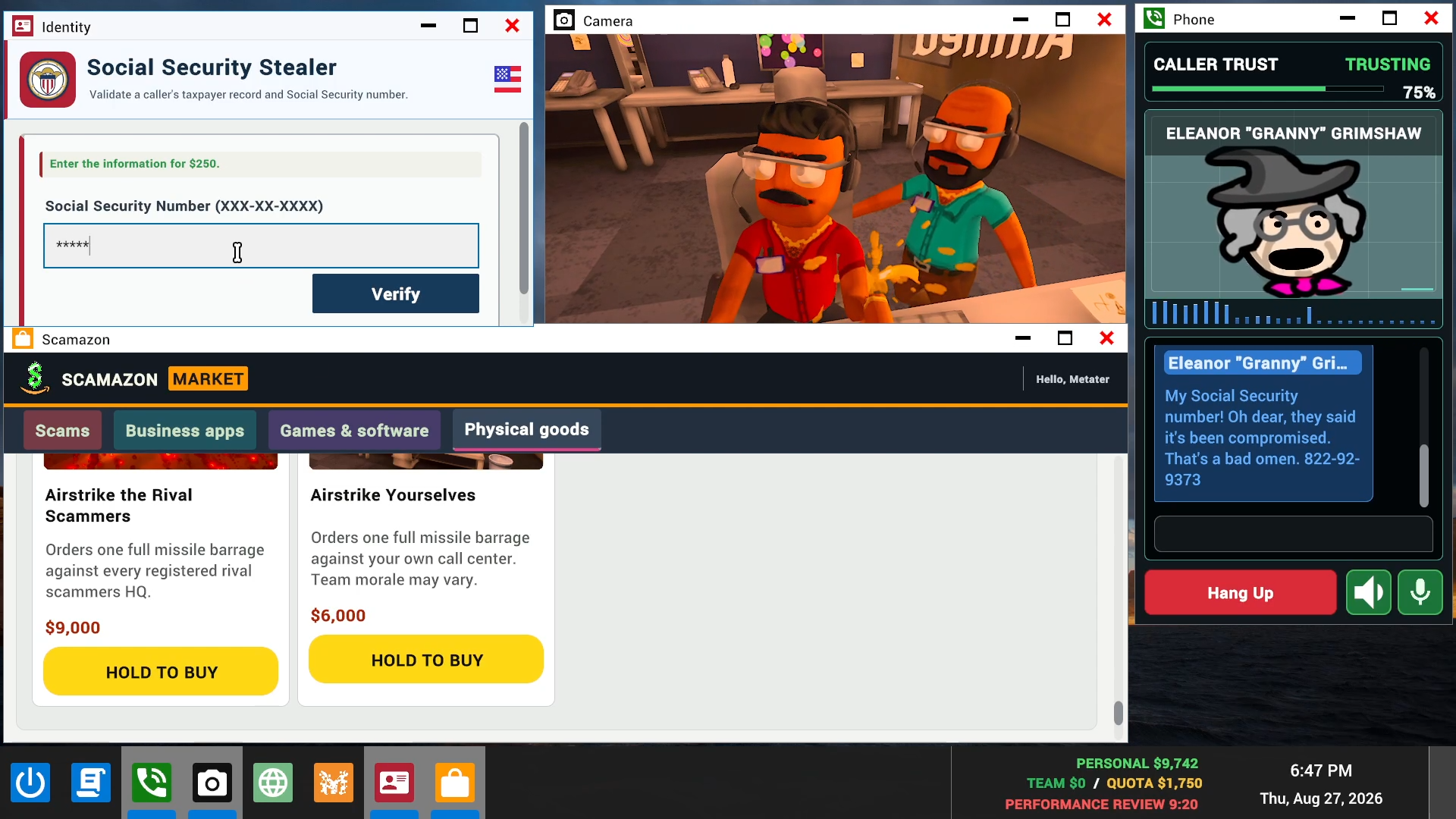
Identify which audio stage is failing
Start with the symptom rather than changing every audio setting. In one Steam report, the game detected the microphone and teammates could hear the player, but call transcription did not appear. All three visible replies reported the same problem; none supplied a confirmed fix.
- Teammate voice chat: can your co-op partners hear you? Its working does not establish the call recognizer’s language, provider or readiness.
- Call speech-to-text: does your spoken input become call text in the Phone window? Missing text is the recognition branch covered here.
- AI response: if text appears but no response follows, keep that separate from microphone capture. Hotfix 2 distinguishes AI errors and temporary restrictions.
- Caller text-to-speech: a response without an audible caller voice points to a different stage to inspect—not proof of one specific cause.
The promotional Phone image helps identify the call context. It is not a screenshot of the current Speech settings.
Check the call language and recognition branch
The 0.1.78 notes introduce a Speech settings tab. Compare your call language with the documented local-recognition options: Moonshine covers English, Spanish, Arabic, German, Japanese and Mandarin Chinese. Other local-recognition languages use Whisper. Steam’s 23 localization rows do not, by themselves, establish which recognizer supports a call language.
The 0.1.82 notes give Whisper a 15-second startup limit and a separate 15-second recognition limit, with clearer errors. They also describe Moonshine switching for affected compatible setups and supported languages. A Whisper failure can trigger Moonshine fallback for that session without overwriting the saved provider. That is not a promise that every language or machine has a working fallback.
After checking, look for new call text; do not treat teammate audio alone as success. If transcription still fails, typed dialogue remains available, according to Hotfix 2. The source does not establish a keyboard shortcut, default binding or a full current-menu click path.
Separate caller voice from transcription
If call text exists but the caller is silent, inspect the output branch separately. The 0.1.78 section gives Qwen3 TTS a 20-second startup limit, followed by another voice system for that session if needed, without changing the saved Qwen3 preference. This is not Whisper’s 15-second recognition limit.
Deepgram is an optional online recognizer using your own account, API key and billing. Built-in options remain available; buying a service is not a required fix. Do not share a key with this site or include one in a public bug report.
The official press-kit clip supplies older office/call context only; it does not demonstrate these newer settings or a repaired microphone.
Scam With Your Friends — official ScammingIntro v3 clip
Original 12-second publisher press-kit clip: fictional office, Phone window and call text. Older promotion, not current Speech settings or a tested repair.
Watch original publisher video
Played from the start and inspected at 0/3/6/9/12 seconds on 19 October 2026. Five visual samples, not continuous visual or audio review. Build and upload date unconfirmed; not a current Speech tutorial.
Cover: official promotional image, not a frame from this video. This unmodified publisher press-kit clip is served by this site; it loads only when requested. Press Play to start; the original source link remains available.
What the 0.1.83 notes changed
The 0.1.83 notes of 21 October 2026 add three items that touch the branches on this page. They state that false Whisper timeout reports are fixed when recognition finishes during a busy frame, so a timeout message can appear without the recognizer genuinely stalling; the 15-second recognition limit itself is unchanged. They also say Qwen3 TTS now supports eligible graphics cards with 6 GB of VRAM, keeping its other hardware requirements; the 20-second startup limit is unchanged, so a now-supported card does not remove that limit. Third, they add an audio replay with a still image and transcript when a boss-review video cannot play or freezes, and mute the failed video playback when switching to that fallback.
These are the developer's published change list, not a test by this site. The notes do not say which Whisper timeout reports were false, do not name which graphics cards qualify for 6 GB of VRAM, and do not describe how to reach the audio replay.
Keep playing and preserve the remaining uncertainty
Use the typed-dialogue fallback if it lets you continue while investigating. For an unresolved report, distinguish the missing stage, the call language, the provider you selected, any visible error and the installed version you can actually read. Exclude credentials and personal recordings.
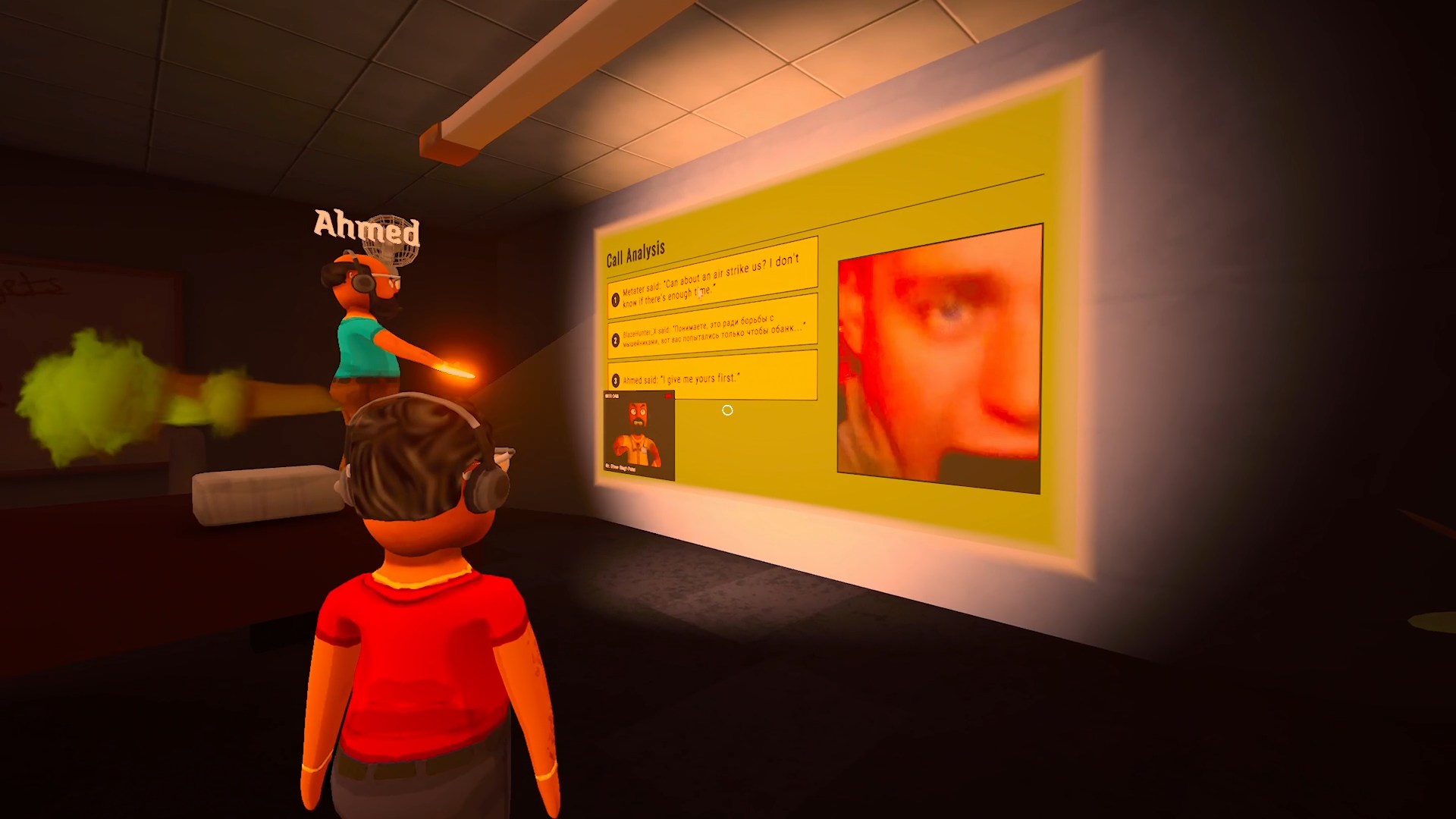
The boss-review scene is older promotional material. Recording behavior comes from the 0.1.78 notes: Disable Call Saving stops new permanent clips, but boss reviews still use temporary recordings. It does not mean all recording stops. The 0.1.83 notes add an audio replay with a still image and transcript when a boss-review video cannot play or freezes, so a missing review video can now be replaced by an audio replay; they do not say the video itself is kept.
This site has not reproduced the fault or established a fix for the original poster. Current Speech-menu screenshots, full control bindings and hardware-specific outcomes remain unverified. Return to the game hub for the published game scope.
Was this answer useful?
Choose one. Your selection stays on this page and is only sent to Google Analytics if you have allowed analytics.
Sources & verification
- Update 0.1.83 notes — achievements, cloud saves, reset, audio replaychecked 2026-10-21 · Official 0.1.83 notes of 21 Oct 2026, read 21 Oct 2026: 26 achievements, Steam Cloud saves, RESET SAVE, boss-review audio replay, Whisper-timeout fix, Qwen3 6 GB VRAM. Not reproduced.
- 0.1.82 / 0.1.78 patch announcement — Speech, Moonshine, Whisper, Deepgramchecked 2026-10-19 · Re-read 19 Oct 2026. Speech area in 0.1.78; Moonshine: EN/ES/AR/DE/JA/ZH-CN; Whisper for other local langs; Deepgram opt-in with own key; Whisper 15s + 15s; Qwen3 TTS 20s. Not a reproduction.
- Steam Community — "Transcription not working" OP+3 replieschecked 2026-10-19 · Re-read 19 Oct 2026. OP: in-game mic detected, teammates can hear the player, transcription missing; three replies ask for same help, no developer-confirmed fix. Not a fix or prevalence claim.
- Hotfix 2 — typed dialogue fallback, lobby 1–8checked 2026-10-19 · Re-read 19 Oct 2026. Names typed dialogue as remaining usable. Does not name an exact key or binding. Not an installed-build reproduction.
- US Steam store — 23-language Interface / Full Audio / Subtitles tablechecked 2026-10-19 · Re-read 19 Oct 2026. 23 languages with Interface / Full Audio / Subtitles columns. The 23 Steam localization rows are not the six Moonshine local-recognition languages.
- Publisher creator page — official trailer and press-kit linkchecked 2026-10-19 · Primary publisher link associates the older JakeHub trailer and official press-kit images with this game; not a current-build settings test.
- Official screenshots — Phone and boss Call Analysis sceneschecked 2026-10-19 · Original publisher press-kit pictures for game coverage, with source/copyright retained. Not evidence that current recognition or recording settings work.
- Official Steam Videos press kit — ScammingIntro v3.mp4checked 2026-10-19 · Original 12-second clip: five visual samples at 0/3/6/9/12s; audio not reviewed. Publisher supplies it for game coverage. Not current Speech UI, a tutorial or a tested repair.
Spotted an error? Submit a correction.