Silver Pines
Survival horror metroidvania by Wych Elm / Team17. Dev knas, 5 August 2026: Demo saves do not carry over; current Demo access unconfirmed.
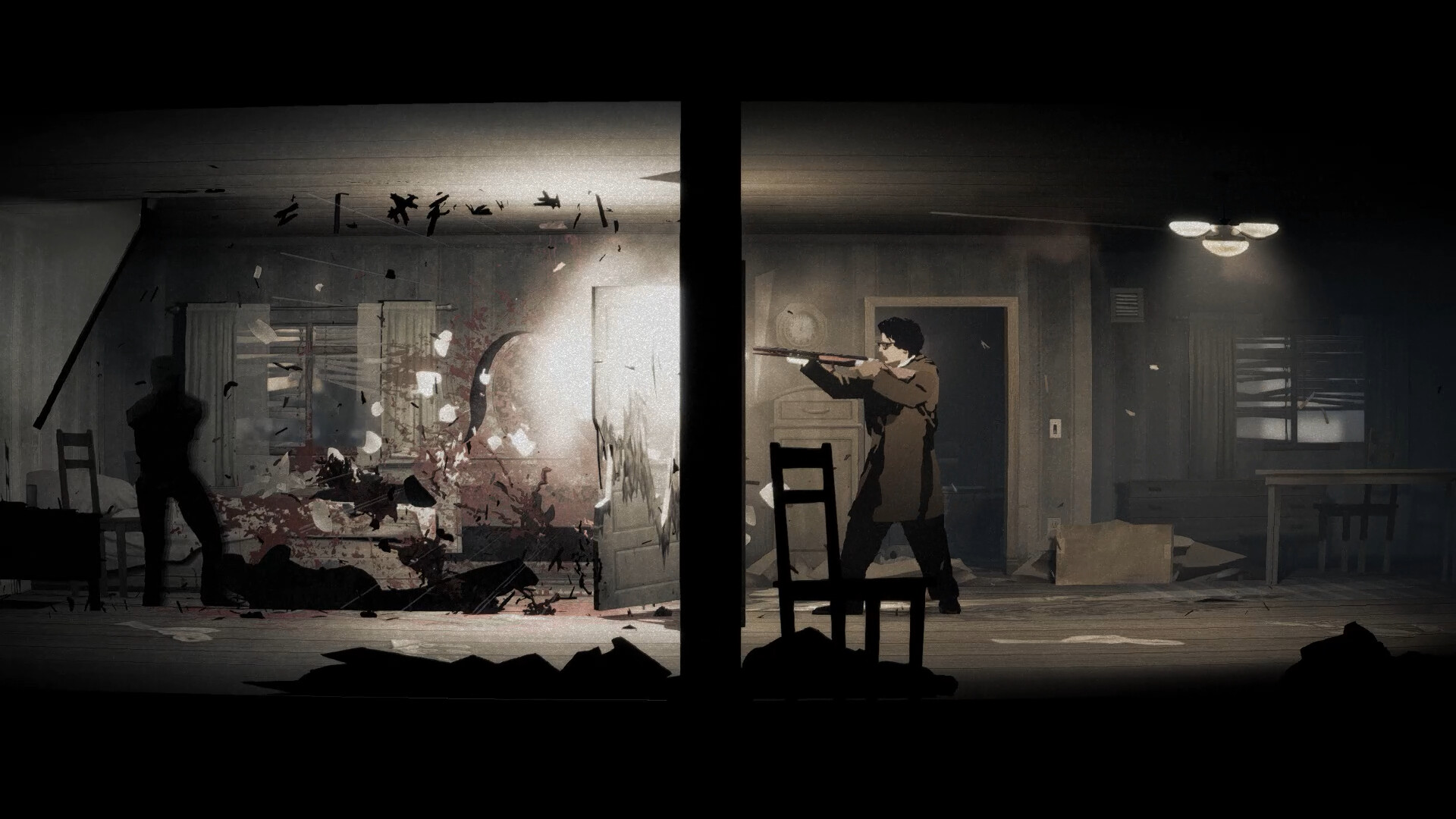
The case and how the town opens up
Red Walker's assignment
Private investigator Red Walker arrives to find missing musician Eddie Velvet. The investigation leads into the town's past and a nightmarish descent. This overview keeps the premise separate from plot revelations and ending conditions.
Tools open routes
The official description emphasizes locked doors, hidden paths and tools that make more of the town accessible. Progression involves searching, solving puzzles and obtaining better tools or weapons. That structure helps explain the metroidvania label, but it is not a verified route through each locked door.
Finding a specific solution
A room-by-room guide needs the room, obstacle, relevant item and an observed action sequence. This archive does not invent keys, puzzle codes, boss weaknesses or collectible coordinates from the promotional description. The publisher's Out Now trailer is a 2D side-on cinematic with no interface on screen, so nothing in it is read as a rule: a cold wet industrial corridor with a blue-lit window, then the inside of a bar where silhouetted patrons sit at tables under a Cigarette and a Tobacco Beer sign, and a performer in a red top standing alone in a spotlight on the stage with smoke behind them. The closing card reads SILVER PINES and OUT NOW, and carries the studio's own mark, the Steam logo and a team 17 badge.
Investigation, resources and locked paths
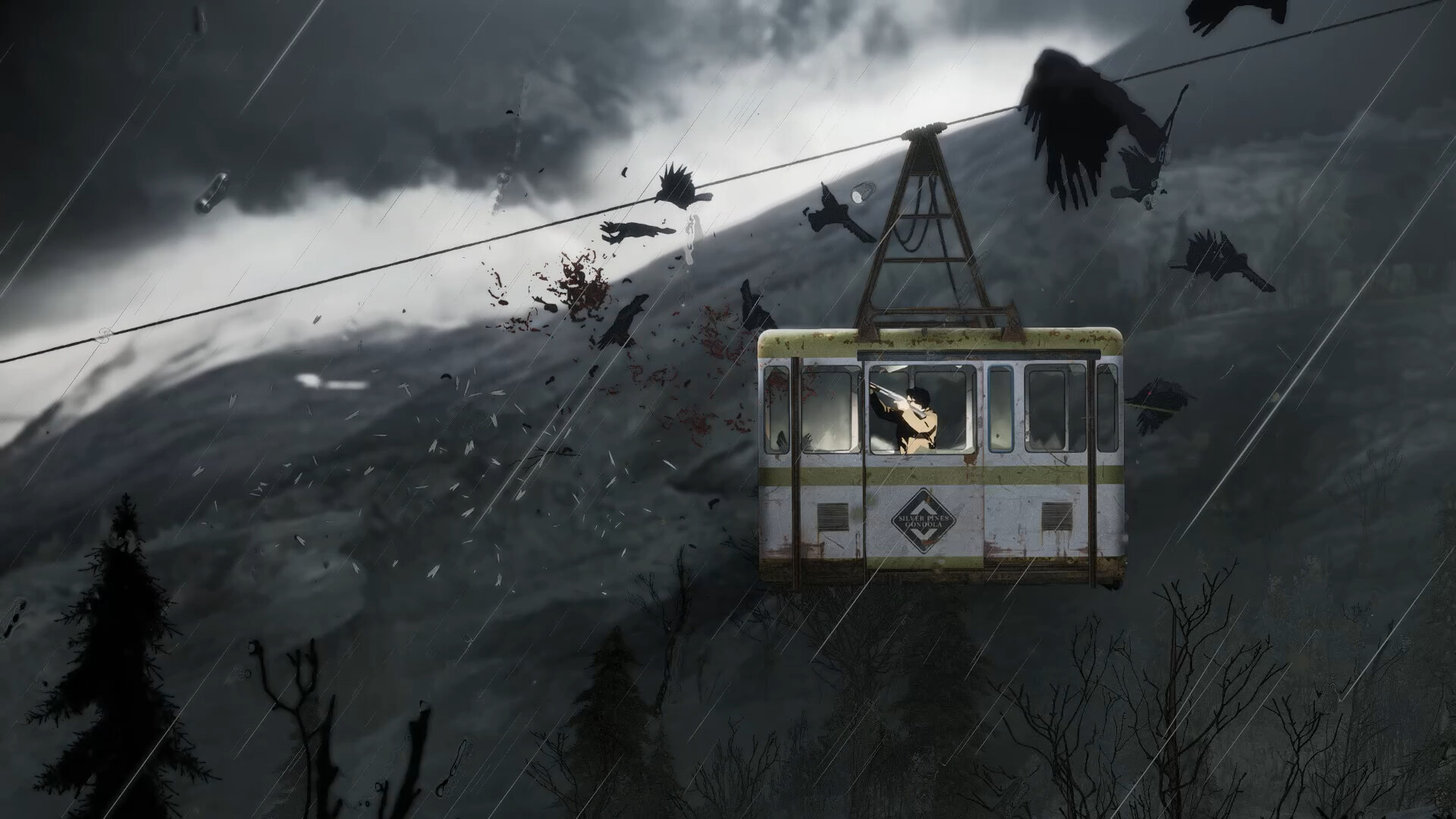
Private investigator Red Walker searches Silver Pines for the missing musician Eddie Velvet. The developer describes a survival-horror town with locked doors, hidden paths, puzzles and enemies that can be fought or avoided.
Tools and weapons open further areas. Inventory space is limited, making ammunition, medicine and upgrades part of resource management. The store mentions monsters and bosses but does not provide verified door codes, encounter tactics or an item-by-item walkthrough.
Platforms, play modes and input
The current Steam record advertises Windows. This describes the Steam edition, not every storefront or console release.
Listed play and input features
- Single-player
- Full controller support
- DualShock Controller Support
- DualSense Controller Support
The badges above describe publisher-listed features. Check connection-specific limits in the current Steam listing before choosing a controller; these labels do not guarantee wireless compatibility or every binding. They do not establish crossplay or multiplayer matchmaking.
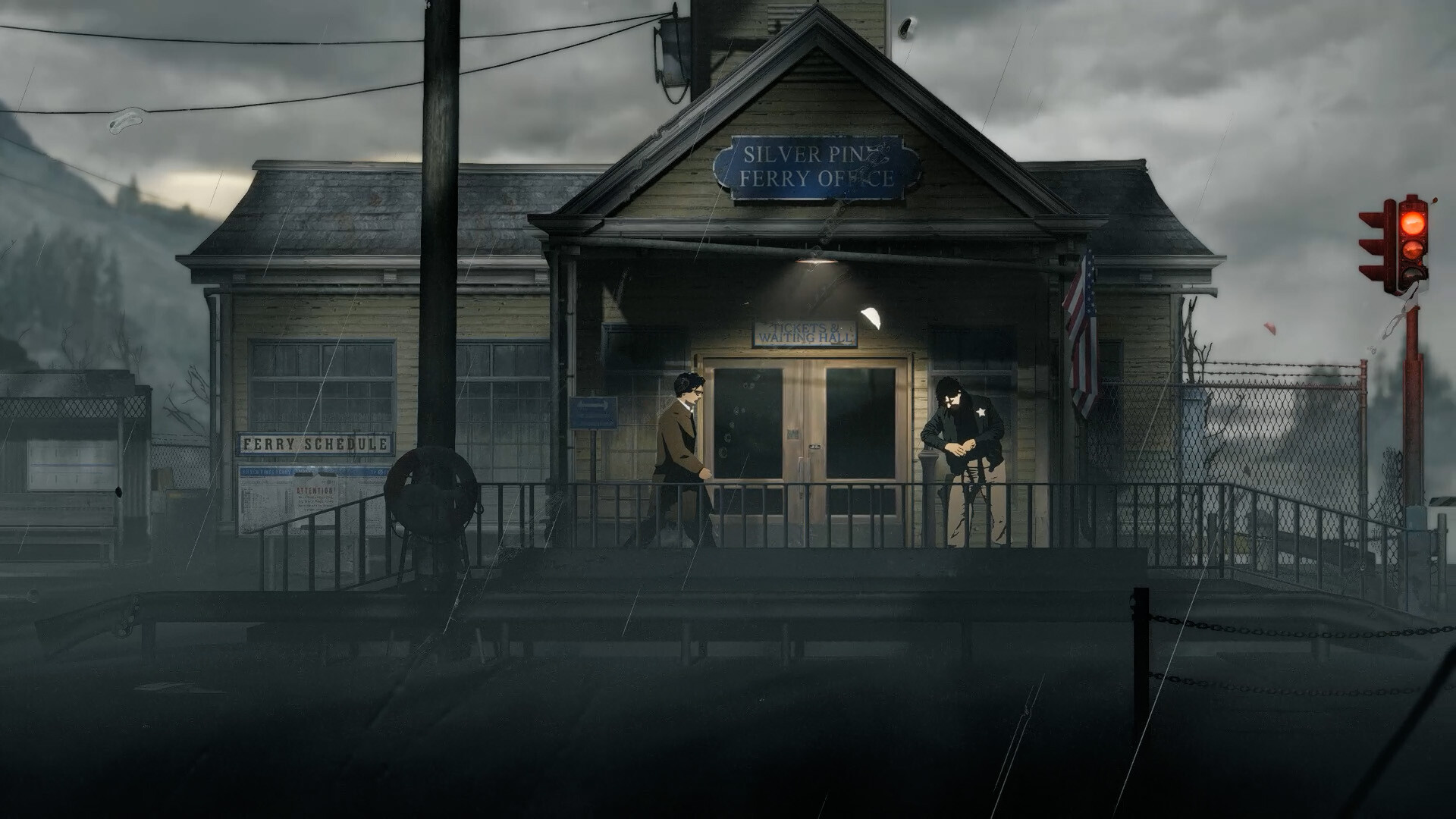
Minimum Windows configuration
Publisher-listed minimum Windows requirements, re-read on 7 November 2026. These are specifications, not performance measurements by this site.
| Item | Published requirement |
|---|---|
| General | Requires a 64-bit processor and operating system |
| OS | Windows 10 |
| Processor | Intel Core i5-4460 or AMD Ryzen 3 1200 |
| Memory | 8 GB RAM |
| Graphics | NIVIDIA GeForce GTX 660 Ti, AMD Radeon R9 270X |
| DirectX | Version 11 |
| Storage | 5 GB available space |
The store panel read on 26 October 2026 does not specify a DirectX version. This is an omitted field, not a claim that any graphics API is supported.
Rechecked on 1 November 2026: neither Windows tier lists a DirectX field. This recheck does not establish a new minimum API or tested renderer compatibility.
7 November 2026: both current Windows tiers list DirectX 11. Earlier omission reads above are historical, not current requirements.
Recommended Windows configuration
Publisher-listed recommended Windows requirements, re-read on 7 November 2026. These are specifications, not performance measurements by this site.
| Item | Published requirement |
|---|---|
| General | Requires a 64-bit processor and operating system |
| OS | Windows 11 |
| Processor | Intel Core i5-6600 or AMD Ryzen 5 1600 |
| Memory | 8 GB RAM |
| Graphics | NIVIDIA GeForce GTX 770, AMD Radeon R9 380 |
| DirectX | Version 11 |
| Storage | 5 GB available space |
The store panel read on 26 October 2026 does not specify a DirectX version. This is an omitted field, not a claim that any graphics API is supported.
Rechecked on 1 November 2026: neither Windows tier lists a DirectX field. This recheck does not establish a new minimum API or tested renderer compatibility.
7 November 2026: both current Windows tiers list DirectX 11. Earlier omission reads above are historical, not current requirements.
Purchase edition, scope and supported languages
Base and Deluxe scope
Checked 26 October 2026, the US base game is $24.99 and Deluxe is $31.99. The earlier launch offer ended on 23 October; neither main product currently shows that discount. Deluxe bundles the base game, artbook and soundtrack. Prices can change; other bundle offers are separate. The store does not describe an extra campaign inside either edition; treat both as the same single-player experience with the Deluxe extras.
Modes and family play
Silver Pines is single-player only on Steam, with Achievements, Steam Cloud and Family Sharing ticked. That is what those badges describe; it is not a co-op or PvP promise.
Languages actually supported
The visible language table shows English with full interface, full audio and subtitles. French, German, Spanish and Japanese rows show interface and subtitles only — full audio is not ticked for those languages. Do not treat the absence of an unlisted language tick as a global no-subtitles rule.
Silver Pines Hotfix 1: DirectX 11 launcher, softlocks and Union Apartments
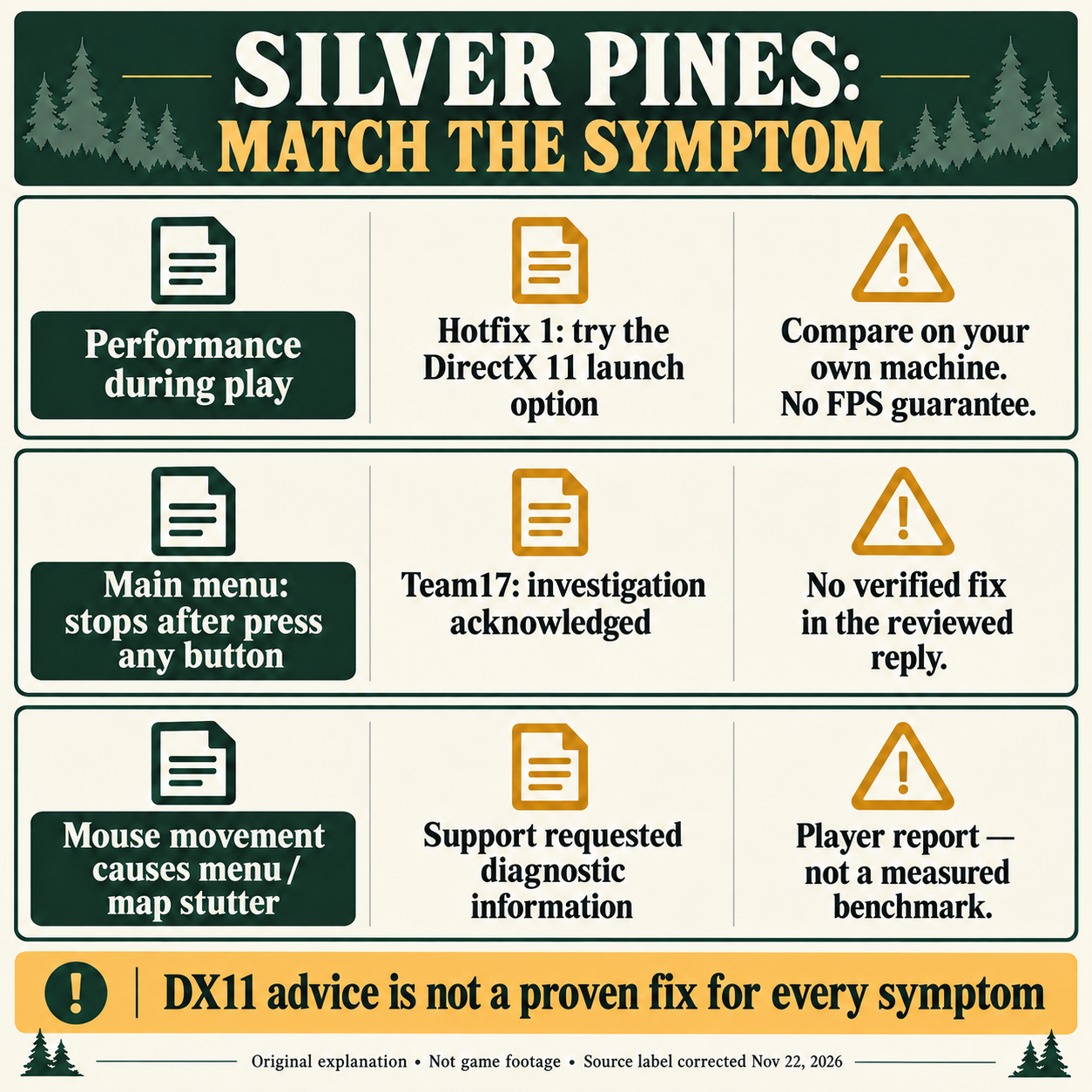
Try the published launch option for performance problems
The 9 October Hotfix 1 adds a DirectX 11 launch option. The publisher recommends trying it for performance problems, including on Steam Deck. Compare the same scene on your own device; no FPS gain is guaranteed. The store requirements re-read on 26 October do not specify a DirectX version. The launch option is not a newly declared minimum API. The announcement does not give a command-line switch or in-game renderer toggle.
The same hotfix names enemies blocking the Union Apartments elevator and some specific softlock scenarios. It does not enumerate every repaired save.
Distinguish two separately reported symptoms
- Main menu won't load after update: our earlier Deck/ellipsis label was too specific; the platform was not established by this source. See the source-label correction in the DirectX guide, read 22 November 2026. No DirectX 11 cure is established here.
- Mouse movement causing menu / map frame drops: Team17_Help requested diagnostic information. The player’s approximately 10 FPS report is not a measurement by this site.
Neither reply establishes DirectX 11 as the fix for that reported symptom. Use the DirectX 11 performance guide for the published option, comparison checklist and limits.
Robert softlock: version checks for Steam, Epic and Switch
Mild spoiler warning
This section discusses the Robert encounter and what to do if the fight ends with no response when inspecting the body and no door response. It does not name the door, the reward or the chapter outcome.
What the public Steam Community discussion actually shows
The Steam Community thread for Silver Pines (app 2333000) on the Robert softlock has a developer-cited version marker: build 618_173902 - 2026-10-09, mentioned in that thread on 12 October 2026. That build reference is a checkpoint from that specific post; it is not a permanent latest-build promise for every platform. Developer knas says the bug was fixed on PC in reply #4, then specifically refers to the latest Steam version in reply #9; replies #7 and #13 report a Steam player counter-example. The differing scopes are kept explicit rather than treating PC as one storefront. Replies #19 and #25 describe Epic PC failures, and reply #26 (14 October 2026) from Team17 says Switch1/Switch2 patches are still pending Nintendo certification and that Epic is still being investigated. PC ≠ Steam: a Steam-specific fix is not a whole-PC fix, and the console patches are not yet through Nintendo certification.
Steps if the Robert encounter ends with no body interaction / no door
- Note your platform and store (Steam Windows, Epic PC, Switch1, Switch2, etc.).
- Steam: open the game's main menu and look at the top-corner build number. Compare it against the 618_173902 - 2026-10-09 marker the developer referenced in that Steam Community thread; do not treat that number as a permanent latest build.
- Check the actual update notes for your platform — a Steam-only patch does not retroactively cover Switch or Epic.
- Keep your existing save. Do not delete it just to diagnose this issue. Reply #15 says progress can continue once the relevant patch arrives; reply #21 describes starting a new game only as a temporary Switch workaround while certification is pending, with the obvious cost of starting again. This is not a confirmed repair to your existing save. Changing difficulty is not a verified fix.
- If the issue still happens after checking version and patches, report it yourself via the official Team17 support page (https://support.team17.com/en) with your platform, exact build, difficulty and a link to that Steam Community thread. Include only the information the support team needs; do not post save data publicly.
What this hub does not claim
This hub does not show a verified main-menu screenshot — none is published here. It does not reprint any community photo. The promotional screenshots on this page are visual context, not evidence of a Robert encounter or a verified repair. It does not promise that changing difficulty fixes the softlock, and it does not recommend deleting saves. Switch patches remain pending Nintendo certification; Epic remains under investigation as of the 14 October 2026 reply. A Steam-specific developer statement is not a same-day cross-platform guarantee.
Later Switch workaround report and a counter-example
In reply #31, developer knas shared a Discord player’s potential Switch workaround: changing the console system language to English reportedly let that player finish the boss battle. The developer’s reply displays 16 October; it is a reported workaround, not an installed-patch confirmation or a test by this site. A player then reported success in replies #32–33 on 17 October. This concerns the console system language, not an identified in-game language setting, and does not establish results for every Switch version, save, storefront or region.
Reply #34 still reports being softlocked and disputes the earlier assurance about continuing the existing save. That reply does not provide a new build number or say that the player tried the language workaround. Keep the successful report and this counter-example separate: neither restarting nor changing language is a guaranteed recovery. Keep the existing save; do not delete it or infer that the pending console patch has now shipped. The reviewed thread contains 34 replies across three pages as of 20 October 2026.
Silver Pines Hotfix 2: Steam softlocks, balance and the photo cap
Match the scene, not just the word “softlock”
Mild location spoilers. The Steam Hotfix 2 announcement was posted on 16 October 2026; its text was re-read on 1 November 2026. Its longer repair list includes interactives broken after an interrupted opening, Sheriff Department progression, Riverside without a flashlight, ladder transitions while hit, and Clinic basement Cat Collar timing. These five examples are not the whole patch.
The photo cap changes 30 → 100; early Nightmare balance is adjusted and broken-boxcutter damage increases 50%. The notes also list out-of-bounds, collision and localization fixes, plus improved Molotov and explosive gas-tank fire effects; no damage change is inferred. No installed-build reproduction or universal old-save recovery is claimed.
Reports that do not establish a confirmed repair
The reviewed church bridge thread reports a missing Yes/No choice: X / next continued for that player, while the developer only said it was added to the fix list. In the Friendly Paw cage thread, support suggested further NPC progress, but the player said they had spoken to the NPC in both places. No confirmed resolution appears in those reviewed replies. An earlier version called the cage and the Clinic Cat Collar definitively different cases. The reviewed sources do not establish either a shared identity or a definitive distinction; no common cause or confirmed repair is assumed.
Use the Hotfix 2 symptom checklist for scope and the information to record if a scene stays blocked. Steam repairs do not establish simultaneous Epic or console updates. For the separate performance option, see the DirectX 11 guide.
Crimson Bear Motel: read this run's Guest Ledger
Early-area puzzle spoilers. Into Indie Games' opening walkthrough identifies the Motel Guest Ledger—not a universal copied code—as the source of Eddie Velvet's Guest Number. After obtaining the Check-In Key, return to the Check-In Office, cut the fabric with the Boxcutter, and use that key on the nearby chest to obtain the ledger. Read Eddie's number there, then enter it at the motel gate panel. The guide reports that the guest number changes between playthroughs, so someone else's number may not work. This is a short, attributed checkpoint from that guide, not our own playthrough, a full route to the key or a verified fix for a softlocked save.
Steam Hotfix 3 and UI Scale
Steam Hotfix 3 (7 November 2026; 6 November 16:34 UTC) reports a cassette player softlock fix. Display > UI Scale goes up to 110%. Details.
Can the demo save carry into the full game?
Demo progress does not carry into the full game in the developer's 5 August 2026 reply. Developer-badged knas attributes this to parts of the save system being reworked after the demo, in preparation for later patches.
That dated explanation is not a manual-conversion guide and does not establish current demo access. We have not tested a transfer. For a full-game save that will not load, see the separate loading and save reports; the demo explanation is not a recovery fix.
Achievements: maps, mementos and upgrades
For Traces to Nowhere, check your collected maps: Steam describes a map-collection requirement, not a requirement to explore every area to 100%.
The six publicly described achievements cover these checks:
- Parts left behind: obtain your second memento slot.
- This is my 7th Cup Today: collect every stamina upgrade.
- Traces to Nowhere: collect every map.
- Burden of Memories: collect every memento.
- Memento Mori: obtain every memento slot.
- Walking Storage Box: collect every inventory upgrade.
The Steam list checked on 24 November 2026 shows 23 achievements, with 17 hidden. Their requirements are not covered here. These are collection goals, not a tested route to each collectible or a guarantee that a particular save will unlock an achievement. If a collectible is missing, this list alone cannot identify its location or diagnose a broken trigger.
Answers before the deep dive
Silver Pines: Hotfix 2 softlock checks and limits
Steam Hotfix 2 lists broken interactives after interrupted opening, Sheriff Department progression, Riverside without a flashlight, ladders while hit and Clinic Cat Collar timing; plus collision and localization fixes. Photo cap 30→100; Nightmare balance, boxcutter +50%, Molotov/gas tank fire effects. Developer notes, not guaranteed save recovery.
Steam Hotfix 2 (16 Oct 2026); threads re-read 2026-11-01; Hotfix 3 2026-11-07 · checked 2026-10-17Read the steps and evidence →Silver Pines: How to Try DirectX 11
Try the DirectX 11 option offered when launching Silver Pines, as recommended in Hotfix 1 for performance problems. Compare it on your own device; no FPS gain is guaranteed. Separate menu-startup and mouse/menu reports have no confirmed fix in the support replies reviewed on 18 October.
Hotfix 1; Hotfix 3/reqs 2026-11-07; individual loading reports 2026-11-09 · checked 2026-10-13Read the steps and evidence →In this hub
Play, systems & progression
- Silver Pines: Hotfix 2 softlock checks and limits
Mild location spoilers. Steam Hotfix 2's named fixes, photo cap, fire-effect and balance changes, with separate limits for player reports and a corrected cage comparison.
Steam Hotfix 2 (16 Oct 2026); threads re-read 2026-11-01; Hotfix 3 2026-11-07
PC, platforms & installation
- Silver Pines: How to Try DirectX 11
How to try the publisher’s DirectX 11 launch option, compare performance, and distinguish it from separately reported startup and mouse / menu problems.
Hotfix 1; Hotfix 3/reqs 2026-11-07; individual loading reports 2026-11-09
Sources & verification
- Homechecked 2026-10-07 · Steam Demo link, Steam / Xbox Series X/S / Nintendo Switch / PS5 platform markers; Wych Elm and Team17 marks; H1 STEAM DEMO AVAILABLE NOW; Red Walker and Eddie Velvet.
- Steam store page (US-English)checked 2026-10-08 · Release date 2026-10-09 with Coming Soon; Pre-Purchase; Developer Wych Elm; Publisher Team17; Single-player; Demo app 4540100 linked from Learn More; survival horror metroidvania description.
- Steam Demo page (URL observed in Learn More link)checked 2026-10-07 · Listed for reference. Demo contents and save inheritance were not separately verified in this round; do not claim Demo specifics beyond its existence.
- Steam — current purchase and survival systemschecked 2026-10-09 · Buy block observed; no console release or puzzle playtest.
- Official site — Out Now and story premisechecked 2026-10-09 · Public home page; console-specific purchase status not verified.
- Steam game page and promotional gallerychecked 2026-10-11 · Official US-English listing and promotional media; not independent gameplay testing.
- Steam official game detailschecked 2026-10-11 · Public API read on this date; published features and Windows requirements.
- Steam — purchase blocks, editions and language tablechecked 2026-10-11 · Base $24.99/disc $22.49 until 23 Oct; Deluxe $31.99/disc $28.79 = base + artbook + soundtrack, no extra campaign. EN full audio/subtitles; FR/DE/ES/JP interface/subtitles only.
- Silver Pines Hotfix 1 — Steam news (9 October 2026)checked 2026-10-13 · DirectX 11 launcher option (suggested when players hit a performance problem, including Steam Deck); softlock fixes; Union Apartments elevator fix. No FPS measurement, no console toggle.
- Steam Community thread — Robert softlock, build 618_173902 - 2026-10-09checked 2026-10-14 · Read OP and all 26 replies across two pages. #17 Steam build marker; #7/#13 counterexamples; #26 says Switch certification pending and Epic investigation ongoing. Not an independent fix test.
- Silver Pines Hotfix 2 — Steam news (4:33 am only)checked 2026-10-17 · Read 17 October 2026. Five named softlock cases plus photo cap, Nightmare and boxcutter. Not an independent reproduction test.
- Historical menu-loading thread — label corrected 22 Novemberchecked 2026-10-18 · Earlier Deck/ellipsis characterization was too specific; see the 22 November correction and separate re-read source. Original October read date retained.
- Steam Community thread — mouse / menu / map frame dropschecked 2026-10-18 · Player reports mouse/menu/map frame drops; approximate FPS is self-reported. Support requested diagnostics, not a confirmed repair.
- Steam Community thread — church bridge missing Yes/No promptchecked 2026-10-18 · Player reports the Yes/No prompt does not appear; X / next keeps the game moving. Developer reply: report added to the fix list. No published repair, build number or universal workaround.
- Steam Community thread — Friendly Paw basement glowing cagechecked 2026-10-18 · Glowing Friendly Paw cage will not interact. Support suggests NPC progress; player says already spoken in both places. No confirmed result; not the Clinic Cat Collar.
- Hotfix 1 and 2 current news listchecked 2026-10-18 · Current announcement displays 16 October for Hotfix 2; named cases and spoiler details re-read. No numerical installed build or independent reproduction.
- Developer reply #6 — Demo save transfer (5 August 2026)checked 2026-10-20 · knas explains a save-system rework and says Demo saves do not carry over. OP and 6/6 replies re-read 20 October 2026; current download access and manual conversion not established.
- Robert softlock — full OP and 34 replies across three pageschecked 2026-10-20 · Re-read OP + 34 replies. #31: potential Switch system-English workaround; #32–33 one success; #34 still reports softlock. Not a universal fix or confirmation that a console patch shipped.
- MuhitRahman,Part1ObtainingGuestNumber;L184–216especially209–216checked 2026-10-20 · attributedledger/key/gatecheckpointandrandomizednumber
- Official store trailer: Silver Pines - Out Now Trailer (movie id 257442465)checked 2026-10-22 · Official store trailer, movie id 257442465, published 2026-10-01; the published excerpt was read frame by frame on 2026-10-22 (audio not reviewed). Promo footage, no build stamp.
- US purchase blocks and complete Windows requirements (26 October)checked 2026-10-26 · Base $24.99; Deluxe $31.99. Earlier launch discounts absent; bundles separate, prices may change. Both requirement panels omit DirectX. No installed-build or API test.
- Steam Windows requirements — minimum and recommended, rechecked 1 November 2026checked 2026-11-01 · Both Windows tiers omit a DirectX field. Specifications only; not an installed-build, renderer-compatibility or performance test. Earlier patch and community source dates are unchanged.
- Hotfix 2 event payload — fixes and effect changeschecked 2026-11-01 · Event 675134795999609506; posted 16 October 2026 at 11:33:14 UTC. Developer notes, not a playtest or universal save recovery.
- Hotfix 3 — Steam newschecked 2026-11-07 · Display > UI Scale up to 110%; cassette player softlock, window cursor and corrupted-save handling.
- Windows requirements — 7 Novemberchecked 2026-11-07 · Both tiers list DirectX 11.
- Windows requirements — rendered storechecked 2026-11-07 · DirectX 11 in both tiers.
- Main menu will not load — title and six visible replies re-readchecked 2026-11-22 · Corrects the earlier Deck/ellipsis label; platform not established. Not a DirectX 11 cure or save-recovery test.
- Hotfix 3 publication timestamp — Shanghai date correctionchecked 2026-11-22 · Posted 6 Nov 16:34:02 UTC, which is 7 Nov 00:34:02 Shanghai. Patch statement, not an installed-build check.
- Steam US release date — catalog scope correctionchecked 2026-11-23 · release_date.date is Oct 8, 2026; coming_soon=false. Windows=true, Mac/Linux=false. Corrects the Steam PC catalog date only, not console dates or exact unlock time.
- Steam CN release date — same PC datechecked 2026-11-23 · release_date.date is 2026 年 10 月 8 日; coming_soon=false. The matching regional date does not establish a global unlock timestamp or current console release status.
- Demo save transfer — developer reply #6, 5 August 2026checked 2026-11-23 · Dated developer-badged reply, re-read 23 Nov 2026: save-system rework explains the demo boundary, not current access, conversion steps or retail-save recovery.
- Public achievement descriptionschecked 2026-11-24 · 23 entries: six public, 17 hidden. Conditions only; not a collection-route or unlock-reliability test.
Spotted an error? Submit a correction.